Ten Minutes, One Scanner, Zero Excuses: The Pet ID Audit Every Jupiter Owner Should Run This Month
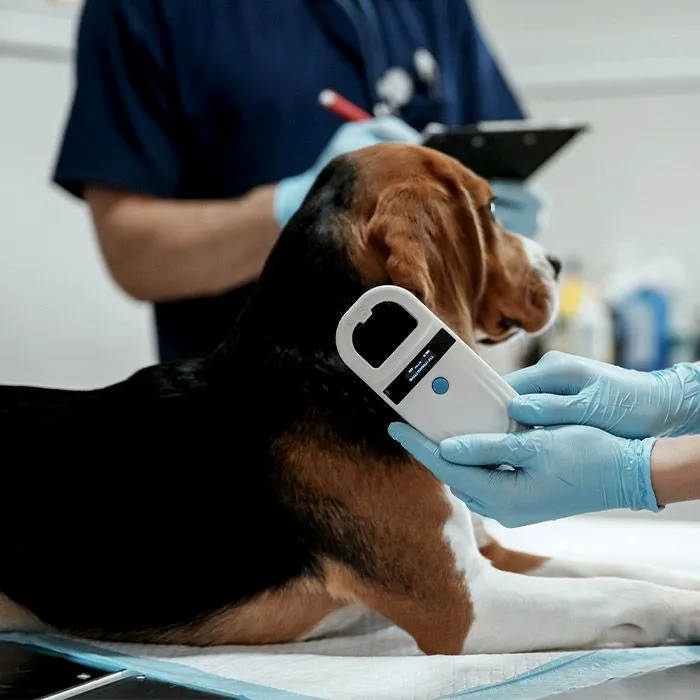
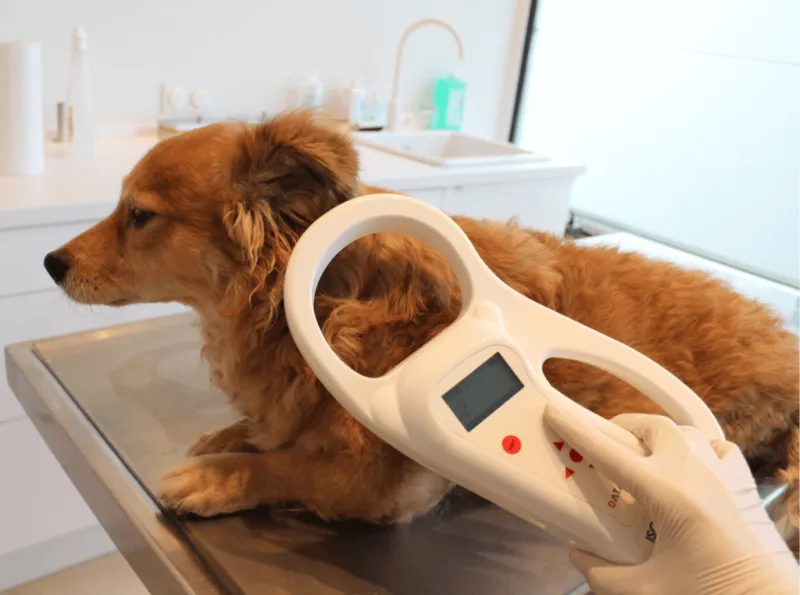
Photo: veterinarian scanning dog for microchip with handheld scanner, via www.yourfriendsdaculaah.com
A chip under the shoulder blades is a great start. It is not the finish line.
We scan a lot of animals at Jupiter Veterinary Center, and every so often the moment goes like this: there's the beep, there's the nine- or fifteen-digit number, there's the registry lookup — and then nothing useful. An outdated phone number. A registration that was never completed. A listing under a rescue's name from 2016. The chip did its job. The paperwork behind it didn't.
Hurricane season, holiday travel, an open gate, a startled cat bolting from a porch — pets go missing in Jupiter for ordinary reasons every month. The difference between a same-day reunion and a weeks-long search usually comes down to one thing: whether the record attached to that chip still points to you.
Here's a ten-minute audit to run before you need it.
Step 1: Find the Chip Number (If You Can)
Dig out your adoption paperwork, your puppy or kitten visit invoice, or the rabies certificate your breeder handed over. Chip numbers often appear there, usually labeled "microchip ID," "transponder," or "AVID/HomeAgain/Found Animals number."
No paperwork? Easy fix. Ask us to scan at your next visit — it takes seconds and it's free during any appointment. Some pet stores and shelters offer walk-in scanning too. Write the number down somewhere that isn't just your phone, in case your phone is the thing you lose first.
Step 2: Run the Lookup
Head to the AAHA Pet Microchip Lookup (a free universal search tool) and enter the number. It won't show you your contact info — that's protected — but it will tell you which registry holds the record. That's your next stop.
If the lookup returns nothing at all, the chip may be registered with a database that doesn't participate in the shared lookup, or it may never have been registered. Either way, keep reading.
Step 3: Call the Registry and Verify Four Things
Once you know the registry, log in or call. Confirm:
- The phone number is current. Not your landline from three houses ago. Not a number you canceled when you switched carriers.
- The address is current. Especially if you've moved within the Jupiter area — a local move still breaks the trail.
- A backup contact is listed. A relative or friend who doesn't live with you. If your phone goes to voicemail because you're out driving around looking for your dog, someone else should be reachable.
- The primary contact is actually you — not the rescue, not the breeder, not a previous owner. This is the single most common failure we see with adopted pets.
Step 4: Know the Common Dead Ends
A few patterns show up again and again in our exam rooms:
- The unregistered chip. Shelters and clinics implant chips constantly, but registration is often a separate step with a separate form or website. If nobody completed it, the chip scans but leads nowhere.
- The expired registration. Some registries charge annual or lifetime renewal fees. If a payment lapsed, some databases stop surfacing your info.
- The deceased contact. We hate to say it, but chips registered to a grandparent or a family friend who has passed away leave pets effectively anonymous.
- The transfer that never happened. Bought or adopted from someone else? Transfers often require a signature or fee from the original registrant. Start early — this one can take weeks.
Step 5: Make the Tag Match the Chip
A microchip is a backup; a collar tag is the front door. If a neighbor finds your dog on an A1A sidewalk, they can call the number on the tag in thirty seconds — no scanner required. Keep the tag number, the registry phone number, and your chip number on one card in your pet's file at home, alongside your emergency vet contacts.
What Happens When It's Not Current
When a lost pet lands in our care with a chip that leads to a disconnected number, the search shifts to shelters, Facebook groups, and door-to-door hope. Some of those stories end well. Many stall out. The fix takes ten minutes and usually less than $20 — a small price against the alternative.
Run the audit this month. Then set a calendar reminder for next year. Your pet can't update their own paperwork — but you can, and future you will be very glad you did.